YouTube
YouTube is the biggest video-sharing platform where you can watch the latest video clips, and other informative content.

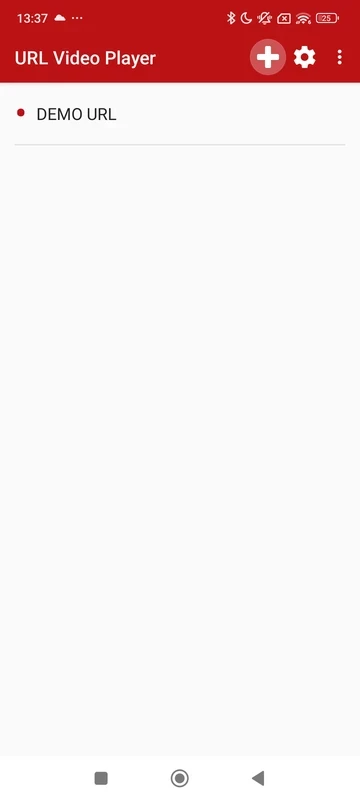
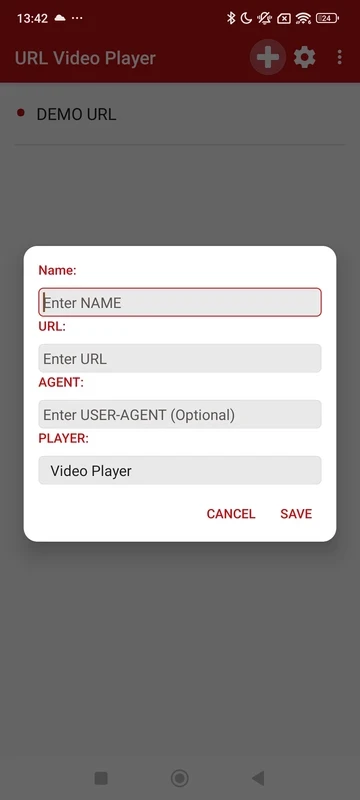
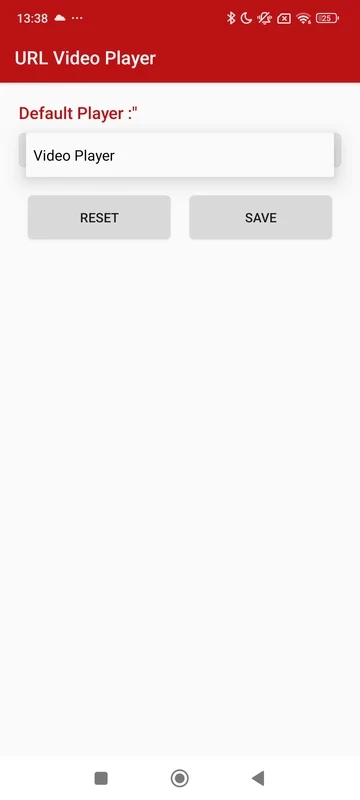
URL Video Player is a comprehensive Android video player that allows users to watch their favorite videos using online links or even through a local network. You need only to paste the URL of your favorite video, and streamline the content right from the web. It is the best solution for users who are used to watching videos but find it difficult to manage different links and formats.
The innovative multimedia player supports all popular casting protocols, including Chromecast, DLNA, and so on. So, it very quickly converts the Android phone into a central hub to provide a centralized and controlled viewing experience.
URL Video Player, developed by Tarek2web, is a powerful multimedia player that facilitates the playback of video files using Chromecast online streaming and the DLNA protocol for home networks. It offers an organized interface with local video collections to share across smart TVs and home networks.
No need to switch between multiple applications, instead install the player, and open your favorite video right on your phone. It also offline mode, and allows you to save videos for offline watching. However, offline viewing depends on the consent of the video source and is available only for limited connections.
It is one of the core features that helps users to accept and play visual content right from a web link. So, you do not need to use any additional tool; instead, use your copied URL to paste in the address bar, and the built-in player will start streaming. In case of any restriction from any site, you will find an error. Simply ignore it and move to another source or check the link. Enjoy a smoother workflow without switching between a browser and a separate media player.
You can create a playlist according to your taste while using the local video storage. You can create custom URLs and share or cast them on any streaming box or smart TV. You can manage all your playback settings and build a playlist while avoiding repetitive tasks. In this way, you can access your favorite videos, as it helps to organize your playlist using the specific series or channels you are following.
The integration with the lightweight web browser makes your navigation to your favorite video-hosting websites right from the app. You can search the visual content, start streaming in the optimized player, and so on. In this way, you can save your time and energy without switching to other apps.
The app offers a simple-to-use process for accessing your favorite videos. You can open any of your favorite links using the Android Share menu, or right from the app, if it supports the sharing option. Simply, open the app, click on the “Add URL” or select “Open from Share”, review the link, and start playback. You can also modify the settings, such as speed, brightness, PIP, aspect ratio, and so on. You can also save the link for offline viewing.
The app offers support for casting and streaming your favorite visual content, as you can use Chromecast for online video casting on the big screen, and DLNA for local content streaming. It doesn’t require any third-party casting tools; instead, use the in-app all-in-one streaming solution within your home entertainment setups.
The availability of robust controls makes your viewing session cool and awesome, as you can pause, seek, and use standard gestures for adjusting volume. It is also possible to slow down or speed up playback according to our requirements, and use PIP mode to make the video visible while continuing with other important tasks. Select portrait or landscape viewing, set brightness, and aspect ratio that better suit different video formats.
The interface is user-friendly and simple to use, and doesn’t require any complex configuration. It focuses on usability and offers straightforward navigation for both local and online libraries. The simplicity makes the app familiar, even for users who don’t know much about streaming technologies. It enhances the overall user experience while allowing you to manage playlists using the video organization tools.
It is another innovative feature, as it enables you to access your favorite visual content quickly. So, you can create a customized library of video sources containing your favorite or most frequently accessed links. You can also organize your video history, recently played URLs, and reliably return to them without any hassle of searching for the links again.
Pros
Cons

YouTube is the biggest video-sharing platform where you can watch the latest video clips, and other informative content.

CapCut specially designed for Android devices to edit high-quality short videos.

TikTok is the most popular video-sharing platform that offer short-form videos are delivered up to 60 seconds.

MX Player is a free video player, HW+ decoder option offers a lot of videos through hardware acceleration

TikTok Lite explores the world of short-form videos for free

Wink – Video Retouching Tool is a combination of multiple best and awesome tools, including support for AI technologies.